
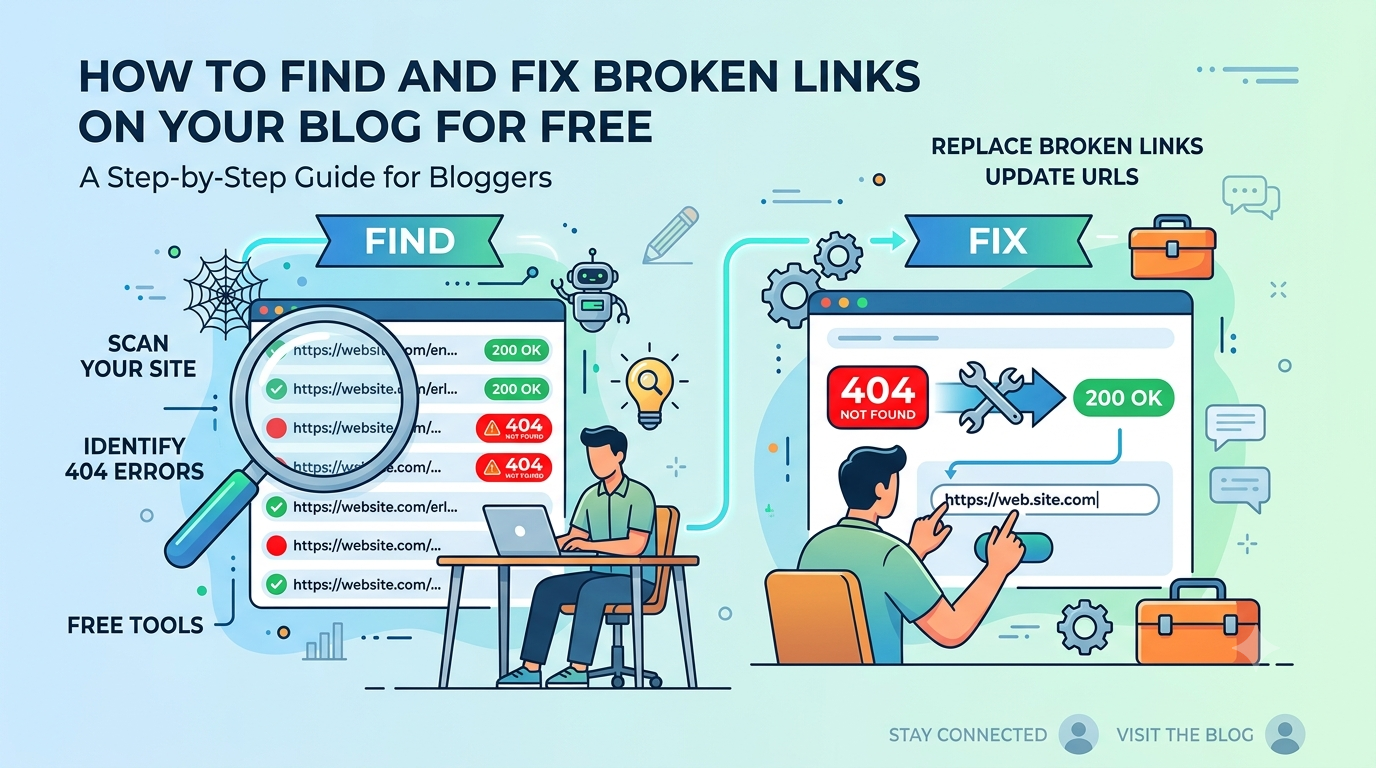
Broken link checker tool for bloggers without plugins
How to Find and Fix Broken Links on Your Blog for Free
(No Plugin, No Login, No Cost)
Every broken link on your blog is a silent SEO tax. Google crawls them, users hit dead ends, and your credibility quietly erodes. This guide shows you exactly how to find and fix every broken outbound link on any blog post — using a free tool that requires zero plugins, zero accounts, and zero cost.
1. What Are Broken Links (and Why Should Bloggers Care)?
A broken link — also called a dead link or a 404 link — is a hyperlink on your blog that no longer leads anywhere useful. When a visitor or search engine crawler clicks it, they hit an error page instead of the content you intended to share.
Broken links happen for completely ordinary reasons: a site you linked to goes offline, an article gets deleted, a URL structure changes after a redesign, or an affiliate product gets discontinued. None of this is your fault — but leaving them unfixed is.
The average blog post loses roughly 6–8% of its outbound links every year to link rot — the gradual decay of URLs as the web changes around them. A post you published two years ago with 20 links may already have 2–3 dead ones you don’t know about.
For bloggers specifically, broken links matter more than most people realize. You’re building content designed to rank for months or years. Every resource link, affiliate link, tool recommendation, and stat citation you include is a potential future 404. Auditing them regularly is basic content maintenance — and it’s fast when you have the right tool.
2. How Broken Links Hurt Your Blog’s SEO Rankings
Google has been clear: broken links are a signal of content quality. A page riddled with 404 outbound links tells Google’s crawlers that the content is poorly maintained, outdated, or untrustworthy. This doesn’t trigger a manual penalty, but it does quietly suppress your rankings over time in several ways.
Crawl Budget Waste
Every time Googlebot crawls your page, it follows your outbound links. When those links return 404 errors, Googlebot wastes crawl budget on dead ends. On a small blog this matters less — but as your site grows, wasted crawl budget means newer pages get indexed more slowly.
PageRank Leakage
Internal broken links are especially damaging. Link equity (PageRank) flows through internal links from one page to another. If an internal link points to a deleted page, that equity disappears into a void instead of passing to your important money pages.
User Experience Signals
When a reader clicks a broken link and immediately hits a dead end, they bounce. High bounce rates and low dwell time send Google a signal that your content isn’t satisfying search intent — and over time, that suppresses rankings.
Affiliate Revenue Loss
For bloggers monetizing with affiliate links, a single broken product link can mean weeks of lost commissions before you even notice. Running a broken link audit on your highest-traffic affiliate posts should be a monthly habit.
Affiliate programs rotate products, update URLs, and retire pages constantly. If you earn from Amazon Associates, Hostinger, or any affiliate network, your links are expiring right now. Run an audit on every monetized post at least once per quarter.
3. Types of Broken Links Every Blogger Encounters
Not all broken links are the same. Understanding the HTTP status codes your checker returns helps you prioritize which ones to fix first.
| Status Code | What It Means | SEO Impact | What to Do |
|---|---|---|---|
| 404 Not Found | The page no longer exists at that URL | High — fix immediately | Find new URL or remove the link |
| 410 Gone | Page permanently deleted by the server | High — fix immediately | Remove link or find replacement resource |
| 500 Server Error | The destination site is broken or down | Medium — monitor and revisit | Wait 48hrs, then remove if still broken |
| 301 Redirect | URL moved permanently — redirect chain may exist | Low — but clean up chains | Update to final destination URL |
| 302 Redirect | Temporary redirect — may not pass link equity | Low-Medium | Check if permanent redirect exists |
| 200 OK | Link works correctly | None — link is healthy | No action needed |
| ERR / Timeout | Site unreachable or blocked checker bot | Verify manually | Click the link directly to confirm |
The free tool on this page reports these codes for every outbound link it finds on your page, sorted with broken links first so you can prioritize immediately.
4. How to Use the Free Broken Link Checker Tool
Our tool requires no plugin installation, no account, and no technical knowledge. It works directly in your browser and checks every external link on any publicly accessible page within about 60–90 seconds.
Copy the URL of the page you want to audit
This can be any blog post, landing page, or pillar article. Start with your highest-traffic pages or your newest affiliate posts. Open the page in a new tab and copy the full URL from your browser’s address bar.
Paste the URL into the checker and click “Scan Links”
The tool will fetch the page HTML through a secure proxy, extract every outbound link, and begin checking them in parallel. A live progress bar shows you exactly how many links have been checked.
Review your results — broken links appear first
Results are sorted with broken links (red) at the top, warnings (yellow) in the middle, and working links (green) at the bottom. You’ll see the HTTP status code for every link so you know exactly what kind of error you’re dealing with.
Export as CSV to keep a fix-it record
Click “Export CSV” to download the full results as a spreadsheet. This is useful if you have multiple posts to audit or want to share the report with a VA or content team member.
Open each broken link and fix it in WordPress
Use the broken URL shown in results to find the exact link in your WordPress post editor. Update it to a working URL, or remove the link if no replacement exists. See Section 5 below for the exact steps.
Open your post in WordPress block editor in one tab and the checker results in another. Use Ctrl+F (or Cmd+F on Mac) in the WordPress editor to search for the broken URL text and jump straight to the affected block.
Ready? Run Your First Scan Free
No login. No plugin. 10 free scans included — then unlock more with your email.
→ Open the Free Broken Link Checker5. How to Fix Broken Links on a WordPress Blog (Step by Step)
Once you have your broken links list, fixing them is straightforward. Here’s the exact process for WordPress users — the platform most bloggers at 1ClickSales use.
Option A: Update the Link to a New URL
This is the best outcome. The content you originally linked to still exists — it’s just moved. Search for the topic on Google to find the updated URL, then:
Open the post in WordPress block editor
Go to Posts → All Posts → find the post → click Edit.
Use Ctrl+F to find the broken anchor text
Search for the text you know is linked to the broken URL. Click the link, then click the edit (pencil) icon.
Replace with the new working URL
Paste in the correct URL and click Apply. Update the post and you’re done.
Option B: Remove the Link Entirely
If no replacement resource exists, remove the hyperlink but keep the anchor text. In the WordPress block editor, highlight the linked text, click the link icon in the toolbar, and click “Remove link.” The text stays but the dead URL is gone.
Option C: Link to a Similar Resource
If the original content is gone but the topic is still relevant, find a comparable article or tool and update the link to point there instead. This is the SEO-best option — it keeps link equity flowing and gives your reader a useful resource.
If a resource you linked to no longer exists, try web.archive.org. Paste the dead URL there — if the page was archived, you can see what it contained and find a modern equivalent to link to instead.
6. How Often Should You Audit Your Blog Links?
The frequency depends on how aggressively you link out and how fast your niche moves. Here’s a simple schedule that works for most bloggers:
| Blog Type | Recommended Audit Frequency | Priority Pages |
|---|---|---|
| Affiliate / monetized blog | Monthly | All posts with affiliate links |
| SEO / resource-heavy blog | Quarterly | Top 20 traffic pages |
| New blog (under 1 year) | Every 6 months | All published posts |
| News / trend blog | Monthly | Posts with external citations |
| Evergreen content blog | Quarterly | Pillar pages and hub articles |
For 1clicksales.blog specifically — which publishes SEO and Pinterest affiliate content — a quarterly audit of all posts is the minimum, with a monthly check on any post containing Gumroad, Hostinger, or tool affiliate links.
7. Free Broken Link Checker vs Paid Tools: Is Free Enough?
There are several ways to check for broken links. Here’s how the free 1ClickSales tool compares to common alternatives.
| Tool | Cost | Scans Outbound Links | No Login Required | Live Status Codes | CSV Export |
|---|---|---|---|---|---|
| 1ClickSales Checker (this tool) | Free / Pro | ✓ | ✓ | ✓ | ✓ |
| Broken Link Checker (WP plugin) | Free (limited) | ✓ | ✗ (needs WP install) | ✓ | ✗ |
| Ahrefs Site Audit | $99+/mo | ✓ | ✗ | ✓ | ✓ |
| Screaming Frog (free tier) | Free (500 URLs) | ✓ | ✗ (desktop app) | ✓ | Limited |
| Google Search Console | Free | ✗ (internal 404s only) | ✗ | Partial | Limited |
| W3C Link Checker | Free | ✓ | ✓ | Basic | ✗ |
For individual bloggers auditing one post at a time, the free tool is entirely sufficient. The paid Pro upgrade makes sense when you need to audit an entire site, want automated scheduled scans, or need reports you can hand to a client or VA.
8. Frequently Asked Questions
Key Takeaways
- Broken links silently harm your blog’s SEO, user experience, and affiliate revenue — often without you knowing.
- The average blog post loses 6–8% of its outbound links to link rot every year.
- You don’t need a plugin or paid tool to check broken links — a free browser-based checker works for individual post audits.
- Fix 404s first, then 301 redirect chains, then server errors. Leave verified 200 OK links alone.
- Monetized affiliate posts should be audited monthly. Other content every quarter is sufficient.
- Export results as CSV to track fixes over time or delegate the cleanup to a VA.
Scan Your First Post Right Now
Free. No login. No plugin. Results in under 2 minutes.
→ Use the Free Broken Link Checker